Calibre for iPhone? The Best Calibre Alternatives for iOS in 2026
Calibre is the Swiss Army knife of ebooks, but it does not run on iOS. Here is how to cover every Calibre job from your iPhone.
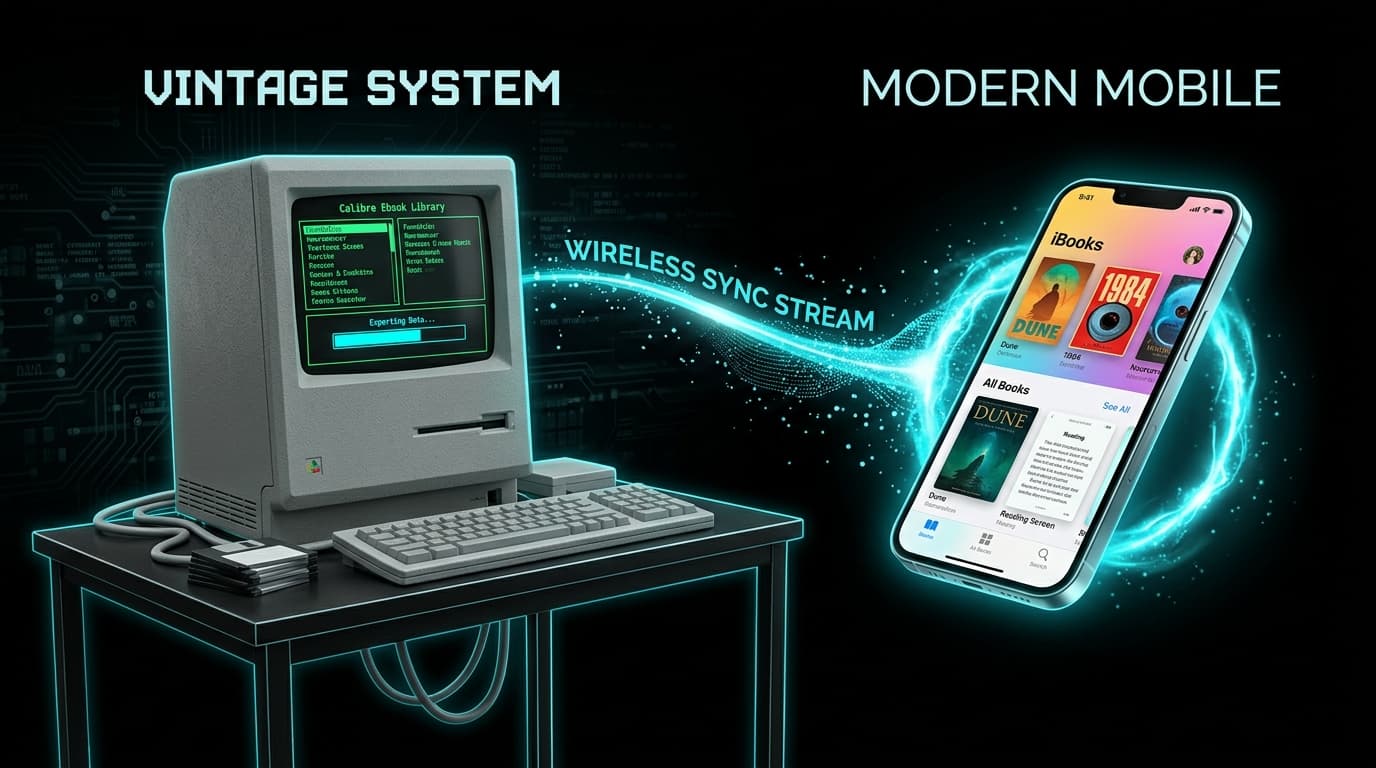
If you have spent any time managing ebooks, you know Calibre. It converts, edits, organizes, compresses, and syncs, all for free. It is also strictly a desktop app. Search the App Store for "Calibre" and you will find nothing official.
The good news: you do not need one app that does everything. Most people only use Calibre for two or three jobs, and each of those has a solid iOS replacement.
Calibre Feature to iOS Alternative
| What you use Calibre for | Best iOS alternative | Notes |
|---|---|---|
| Shrinking / compressing EPUBs | LiteBook | On-device, batch, lossless option |
| Sending books to Kindle | Send to Kindle app | Accepts EPUB, converts automatically |
| Reading and organizing | Apple Books / BookFusion | Collections, sync, highlights |
| Browsing your desktop library | Calibre content server + Safari | Same Wi-Fi network |
| Editing metadata and covers | Apple Books (limited) | Full editing still needs desktop |
| Format conversion | Send to Kindle / web tools | Web tools upload your files |
1. Compressing EPUBs: LiteBook
Calibre users often shrink EPUBs by converting EPUB to EPUB with image compression settings, or by using plugins. It works, but it is fiddly and requires a computer.
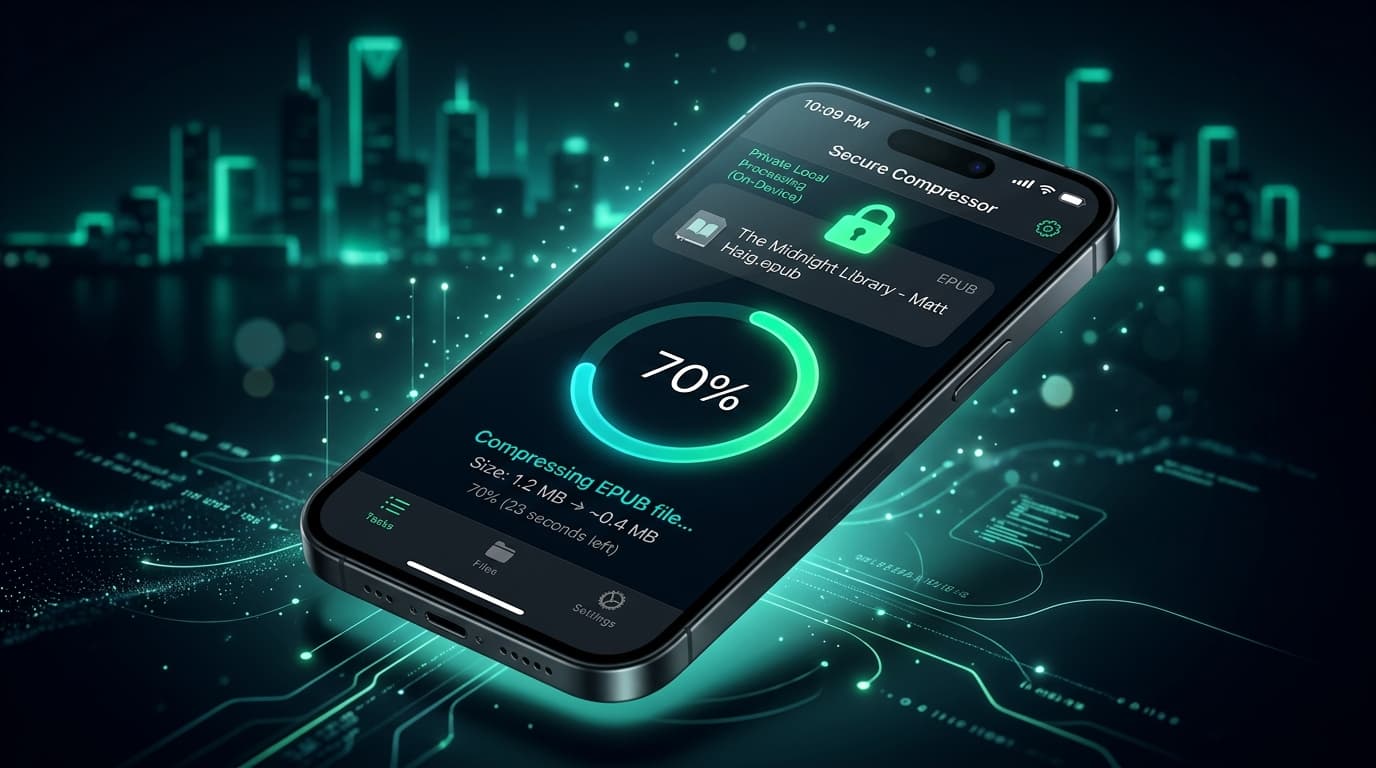
LiteBook is built for exactly this job on iPhone and iPad. Import one or many EPUBs, pick Standard (maximum savings) or Lossless (no image quality change), and tap compress. Image-heavy books typically shrink by 50 to 70%. Everything runs on-device, so your books are never uploaded anywhere.
2. Sending to Kindle: Send to Kindle App
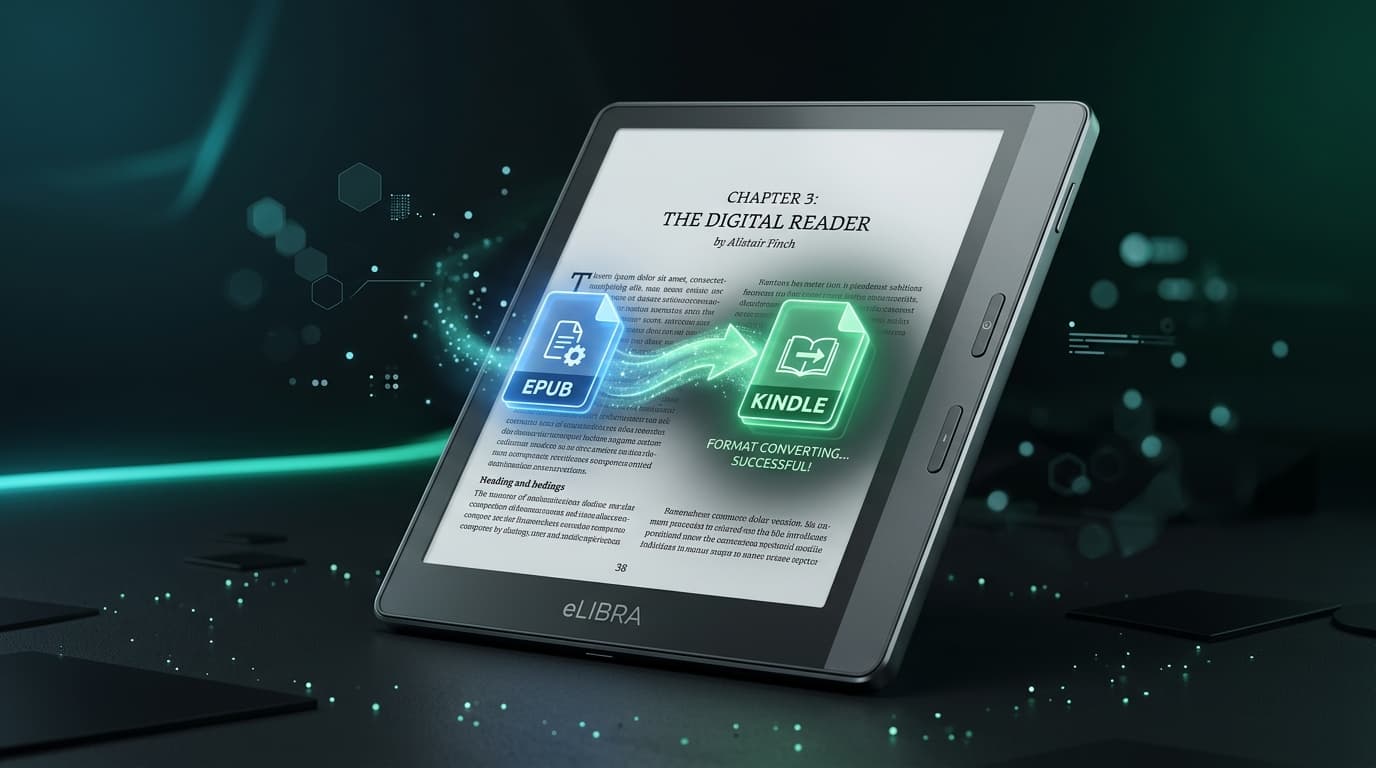
A big reason people used Calibre was converting EPUB to MOBI or AZW3 for Kindle. That step is no longer necessary. Amazon's free Send to Kindle app accepts EPUB files up to 200 MB and converts them in the cloud. Share an EPUB from Files or LiteBook to the app and it lands on your Kindle.
3. Organizing Your Library: Apple Books or BookFusion
Apple Books
Free, built in, and supports collections, reading goals, and iCloud sync. Fine for most libraries, though metadata editing is minimal.
BookFusion
A cloud-based library with a Calibre plugin, so you can push your desktop library to the cloud and read it on iOS. Free storage is limited, which is another reason to compress books first.
4. Accessing Your Existing Calibre Library
Already have a big Calibre library on your computer? You can reach it from your iPhone without any extra app:
- In Calibre, click Connect/share and choose Start Content server.
- Note the address shown (something like
http://192.168.1.10:8080). - Open that address in Safari on your iPhone while on the same Wi-Fi.
- Browse, search, and download any book, then share it to your reader app.
What iOS Still Can't Do
Deep EPUB editing (HTML and CSS tweaks), bulk metadata cleanup, and plugin-based workflows still need desktop Calibre. If you do that regularly, keep Calibre on your computer for heavy lifting and use iOS apps for everyday tasks.
Bottom Line
There is no Calibre for iPhone, and you do not need one. Use LiteBook to compress, Send to Kindle to deliver, and Apple Books or BookFusion to read and organize. Together they cover nearly everything most readers ever used Calibre for, without needing a computer.
Frequently Asked Questions
- Is there a Calibre app for iPhone?
- No. Calibre is a desktop application for Windows, macOS, and Linux. There is no official Calibre app for iPhone or iPad, though you can browse a Calibre library from Safari using Calibre's built-in content server.
- What is the best Calibre alternative for iPhone?
- It depends on the task. For compressing EPUBs, LiteBook. For reading and organizing, Apple Books or BookFusion. For sending to Kindle, the Send to Kindle app. No single iOS app replaces all of Calibre.
- Can I compress EPUB files on iPhone without Calibre?
- Yes. LiteBook compresses EPUB files by up to 70% directly on iPhone and iPad, with batch processing and a lossless option. Files never leave your device.
- Can I convert EPUB to other formats on iPhone?
- Conversion options on iOS are limited. For Kindle, you do not need to convert at all, since Send to Kindle accepts EPUB and converts it for you. For other formats, web converters exist, but they upload your files to third-party servers.
- How do I access my Calibre library from my iPhone?
- In Calibre on your computer, click Connect/share and start the content server. Then open the server address in Safari on your iPhone (on the same Wi-Fi network) to browse and download books.
Compress EPUBs without a computer.
LiteBook does Calibre-style EPUB shrinking on your iPhone: private, batch-capable, and up to 70% smaller.
Download LiteBook — Free