How to Add EPUB Files to Apple Books on iPhone & iPad
Apple Books reads EPUB natively, but getting files in is not obvious. Here is every method, plus the fixes for the most common problems.
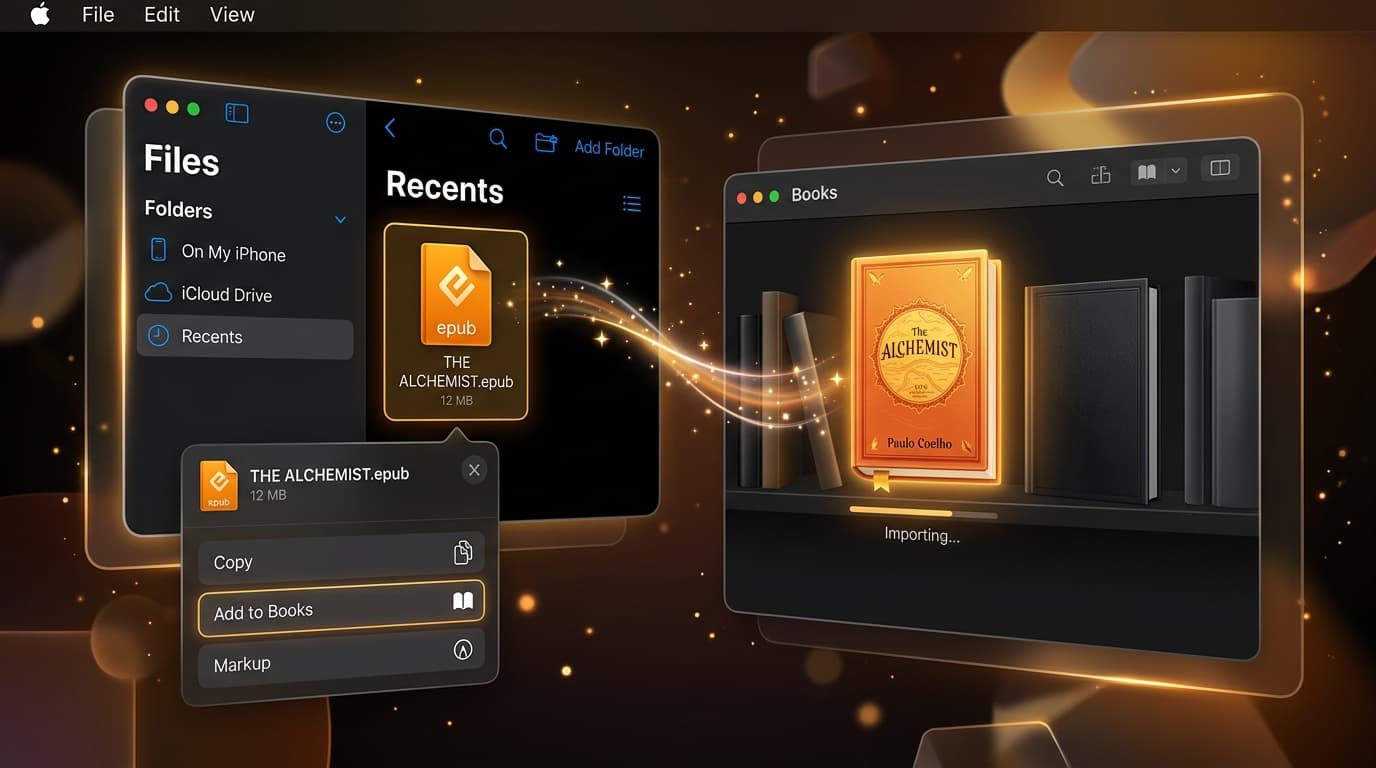
Apple Books is the best free EPUB reader on iPhone. It is fast, beautifully typeset, and syncs your progress across iPhone, iPad, and Mac. The catch is that Apple does not make it obvious how to add books you did not buy from the Book Store.
Method 1: From the Files App (Most Common)
If your EPUB is in iCloud Drive, On My iPhone, Dropbox, or Google Drive, this is the way to go.
- 1Open the Files app
Navigate to the folder that contains your EPUB.
- 2Tap the file
iOS shows a preview. If it opens a blank page, that is normal for EPUBs.
- 3Tap Share
It is the square with an upward arrow.
- 4Choose Books
If you do not see it, swipe the app row and tap More. The book opens in Apple Books and is saved to your library.
Method 2: Straight From Safari
When you tap an EPUB download link in Safari, iOS saves it to the Downloads folder in Files. Tap the download arrow in the address bar, tap the file, then use Share > Books. Some sites trigger an "Open in Books" prompt directly.
Method 3: From Email or Messages
Tap and hold the EPUB attachment, tap Share, then choose Books. This is handy for sending books from a Windows PC or Android phone to yourself.
Method 4: AirDrop From a Mac
Right-click the EPUB on your Mac, choose Share > AirDrop, and select your iPhone. iOS asks which app to open it with; choose Books. On a Mac you can also drag EPUBs into the Books app, and they will sync to your iPhone if iCloud sync is enabled.
Troubleshooting: EPUB Won't Open in Apple Books
The book is DRM-protected
EPUBs from Kobo, Google Play Books, or library loans via Adobe Digital Editions usually carry Adobe DRM, which Apple Books cannot open. Read them in their own apps.
The download is incomplete
A half-downloaded file looks like a valid EPUB but fails to open. Check the file size against the source and download again.
The book takes forever to open or crashes
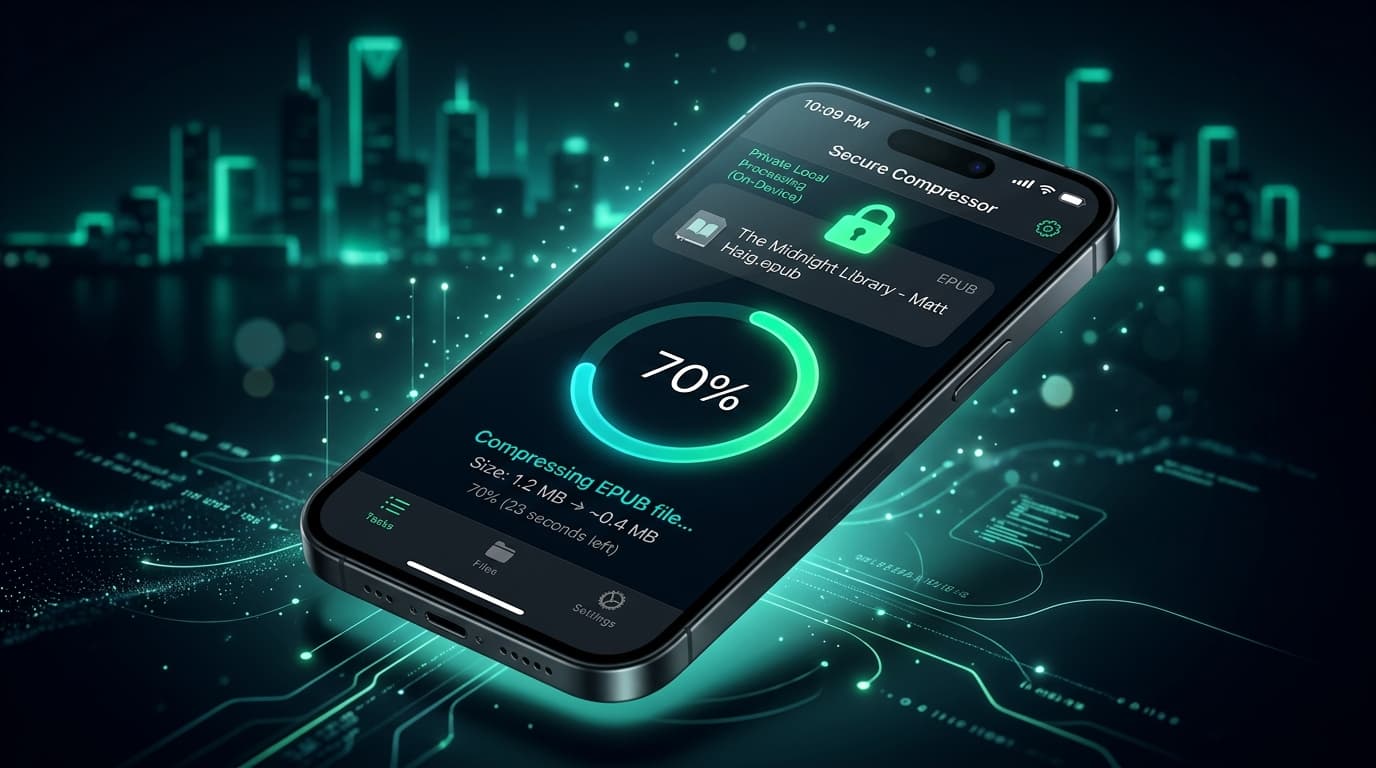
Very large EPUBs (often over 100 MB) with high-resolution images can make Apple Books sluggish, especially on older iPhones. Compressing the file reduces load times and memory usage.
Books is missing from the share sheet
Make sure Apple Books is installed (it can be deleted and re-downloaded from the App Store), then tap More in the share sheet and enable it.
The Hidden Cost: Apple Books and iCloud Storage
If Settings > Books > iCloud Drive is turned on, every EPUB you import is uploaded to iCloud so it syncs across your devices. That is convenient, but on the free 5 GB plan, a few comics or textbooks can fill your storage fast, and then your photo backups stop.
You have three options: turn off Books sync, pay for more iCloud storage, or make the books themselves smaller.
Wrapping Up
Adding EPUBs to Apple Books comes down to one move: Share > Books. Get the file onto your iPhone however you like, compress it if it is large, and share it into your library. Your books stay readable, synced, and lighter on storage.
Frequently Asked Questions
- How do I add an EPUB to Apple Books on my iPhone?
- Open the Files app, tap the EPUB file, then tap the Share button and choose Books. The book is copied into your Apple Books library and opens immediately.
- Why won't my EPUB open in Apple Books?
- Usually the file is DRM-protected by another store, incomplete from an interrupted download, or malformed. Re-download the file, and if it came from Kobo or Google Play, read it in that store's app instead.
- Do EPUBs in Apple Books use iCloud storage?
- Yes, if iCloud Drive sync is turned on for Books. Imported EPUBs and PDFs are uploaded to iCloud so they sync across devices, and they count toward your iCloud storage quota.
- Can I add EPUBs to Apple Books from a Windows PC?
- Yes. Upload the EPUB to iCloud Drive via icloud.com, then open it in the Files app on your iPhone and share it to Books. You can also email the file to yourself.
- How do I make my Apple Books library take up less space?
- Compress large EPUBs with LiteBook before importing them. Image-heavy books often shrink by 50 to 70%, which reduces both on-device storage and iCloud usage.
Keep your Apple Books library lean.
Compress EPUBs by up to 70% with LiteBook before importing, and save iPhone and iCloud space.
Download LiteBook — Free