How to Read EPUB Files on iPhone: 7 Best EPUB Reader Apps (2026)
Your iPhone can be a fantastic e-reader. The trick is picking the right app and knowing how to get EPUBs into it.
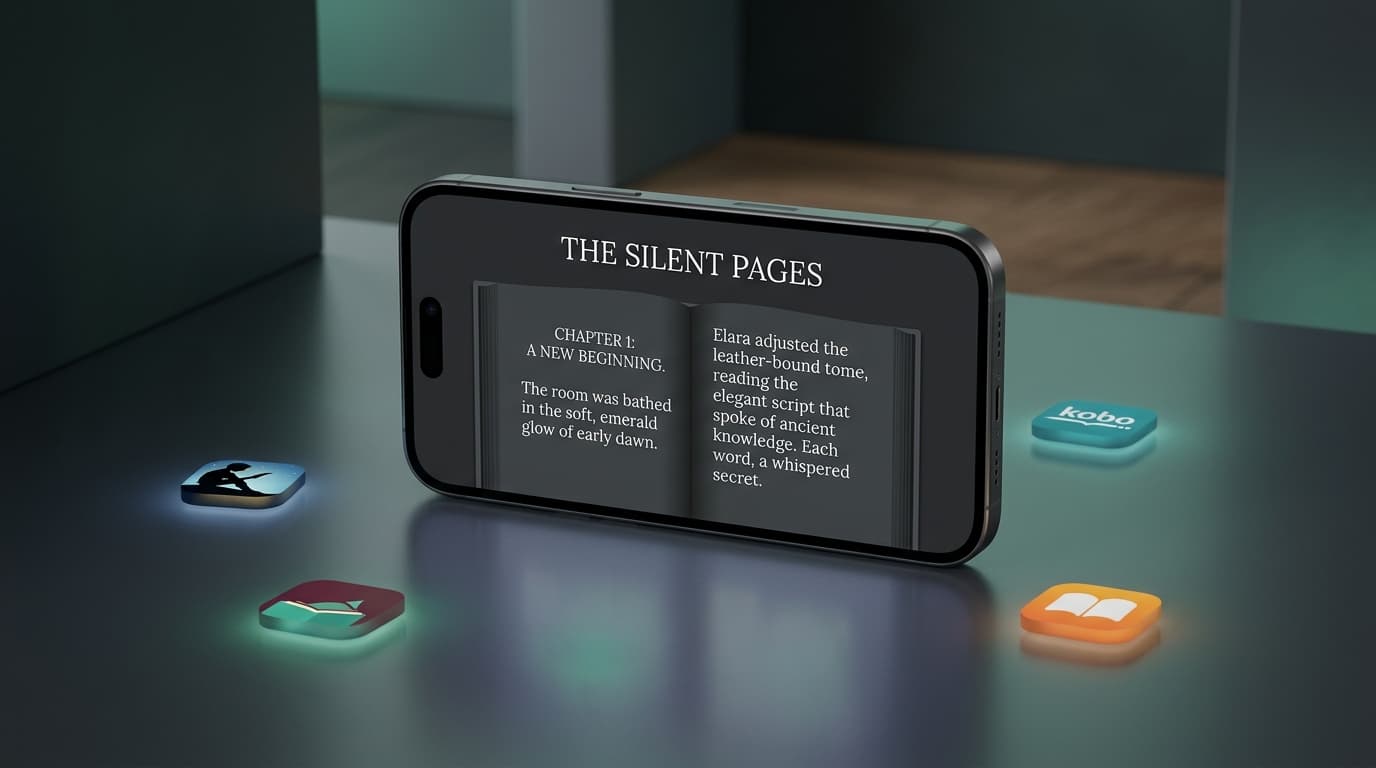
EPUB is the most widely used ebook format in the world, and iPhones handle it well, once you know where to look. Whether you downloaded a free classic, bought a DRM-free book from an indie author, or have a library of comics, this guide shows you how to open EPUB files on iOS and which app to read them in.
The 10-Second Answer: How to Open an EPUB on iPhone
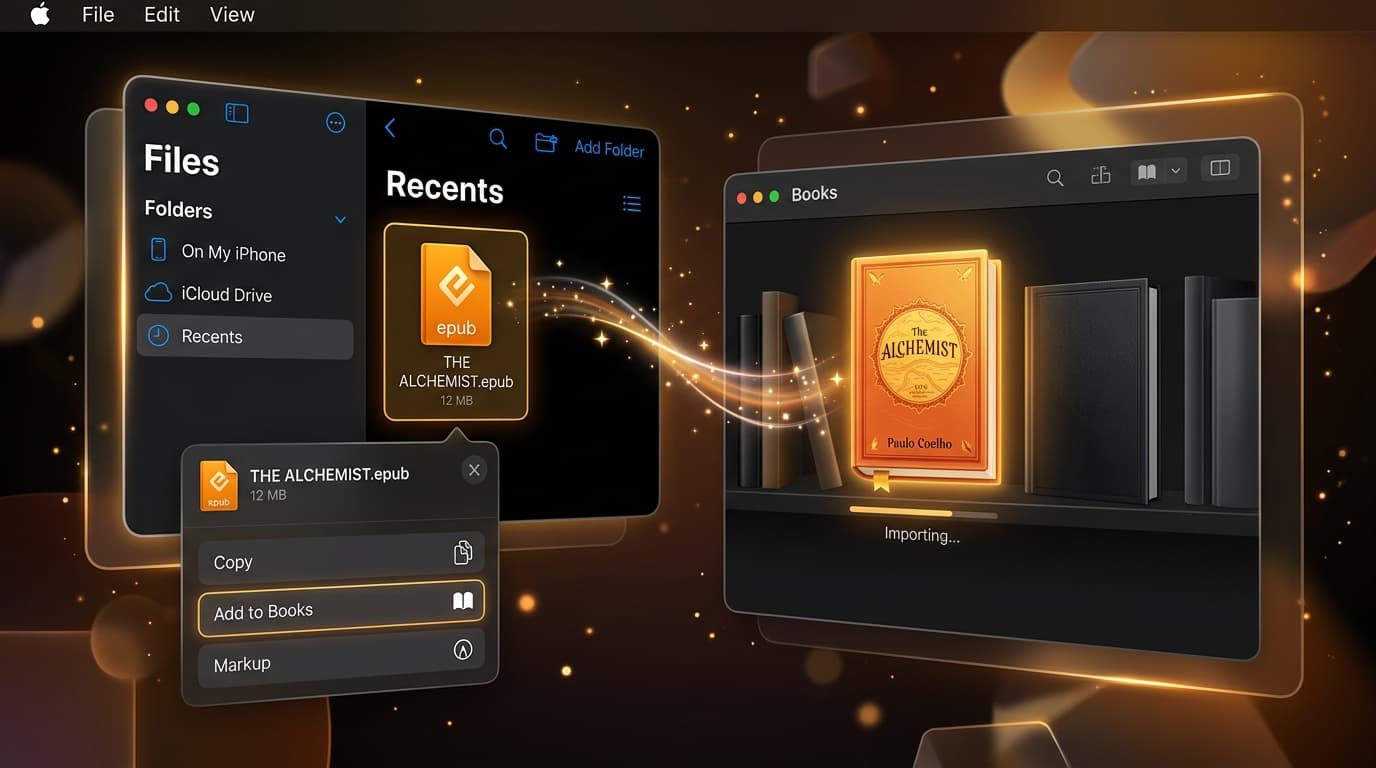
Find the file in the Files app, tap Share, and choose Books. Apple Books is free, built into iOS, and opens EPUBs natively. That is all most people need.
If you want more control, cross-platform sync, or a Kindle workflow, read on.
EPUB Reader Apps for iPhone at a Glance
| App | Price | Imports EPUB | Best for |
|---|---|---|---|
| Apple Books | Free | Yes | Most iPhone users |
| Google Play Books | Free | Yes (upload) | iPhone + Android |
| Kindle | Free | Via Send to Kindle | Kindle owners |
| PocketBook Reader | Free | Yes | Many formats |
| ReadEra | Free / Premium | Yes | Ad-free reading |
| Readest | Free | Yes | Open source |
| BookFusion | Free / Paid | Yes | Big cloud libraries |
The 7 Best EPUB Readers for iPhone and iPad
1. Apple Books
Free • Best for: Most iPhone users
Preinstalled, gorgeous typography, and seamless iCloud sync across Apple devices. Imports DRM-free EPUBs and PDFs via the share sheet. The downside: limited customization and no Android or Windows app.
2. Google Play Books
Free • Best for: Cross-platform readers
Upload up to 2,000 of your own EPUBs and PDFs, then read on iPhone, Android, and the web with synced progress. Uploading is easiest from a computer at play.google.com/books.
3. Kindle (via Send to Kindle)
Free • Best for: Kindle device owners
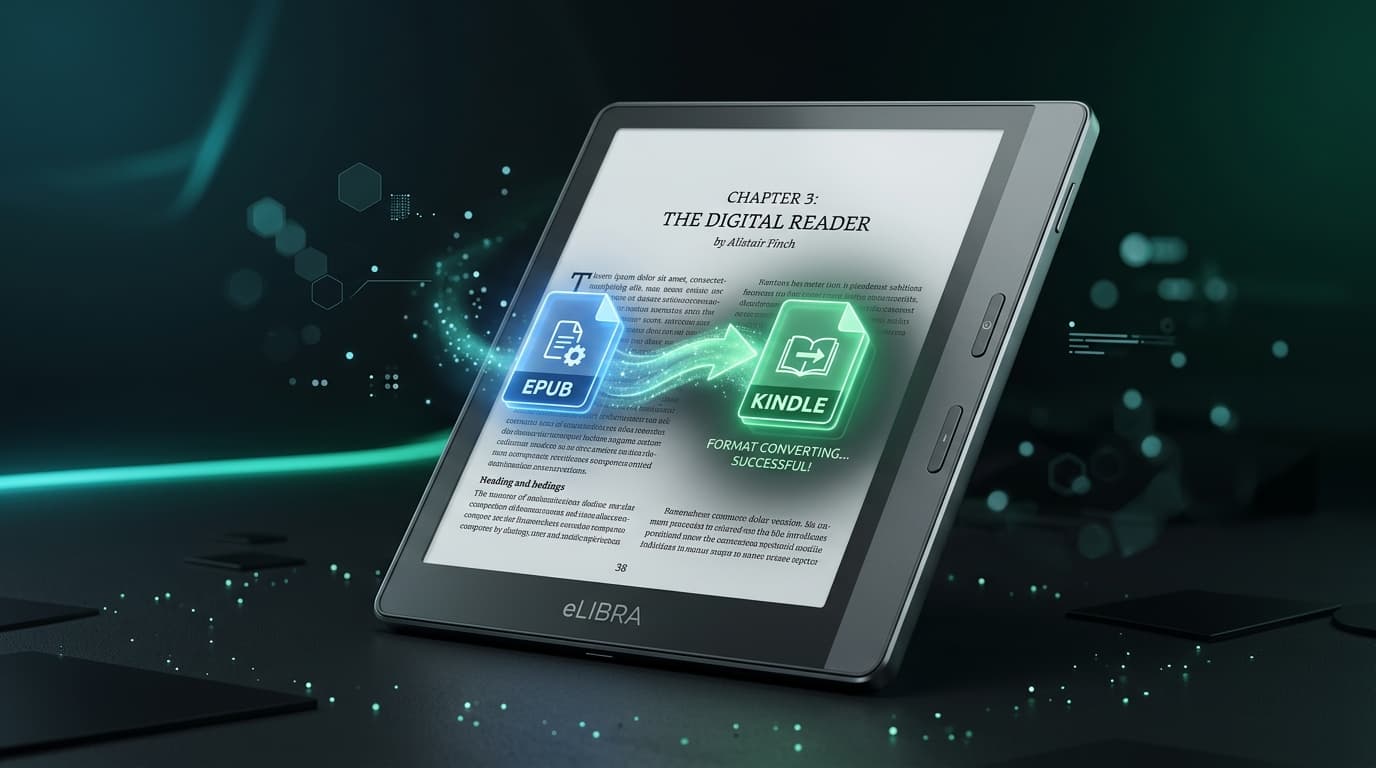
The Kindle app cannot import EPUBs directly, but books sent through the Send to Kindle app appear in your Kindle library on every device. Great if you also own a Kindle e-reader.
4. PocketBook Reader
Free • Best for: Format flexibility
Supports EPUB, PDF, FB2, MOBI, and more, with text-to-speech and a cloud sync option. A solid choice if your library is not EPUB-only.
5. ReadEra
Free / Premium • Best for: Ad-free simplicity
Clean, ad-free reading with automatic library detection, collections, and good PDF support. Premium adds sync and themes.
6. Readest
Free / Open source • Best for: Privacy-minded readers
A modern, open-source reader with cross-platform sync, annotations, and a parallel reading mode. Young but improving quickly.
7. BookFusion
Free / Paid tiers • Best for: Large personal libraries
Cloud library with Calibre integration, highlights export, and sync across iOS, Android, and web. Free tier has storage limits, which makes smaller files valuable.
How to Choose
- Only use Apple devices? Apple Books.
- Switch between iPhone and Android? Google Play Books.
- Own a Kindle? Send EPUBs to Kindle and read in the Kindle app.
- Read lots of formats beyond EPUB? PocketBook Reader.
- Want open source? Readest.
The Problem No Reader App Solves: Huge EPUB Files
Every app above struggles with the same thing: oversized EPUBs. A single manga volume or illustrated textbook can be 100 to 300 MB. That means slow imports, laggy page turns on older iPhones, failed cloud uploads, and a full iPhone storage bar.
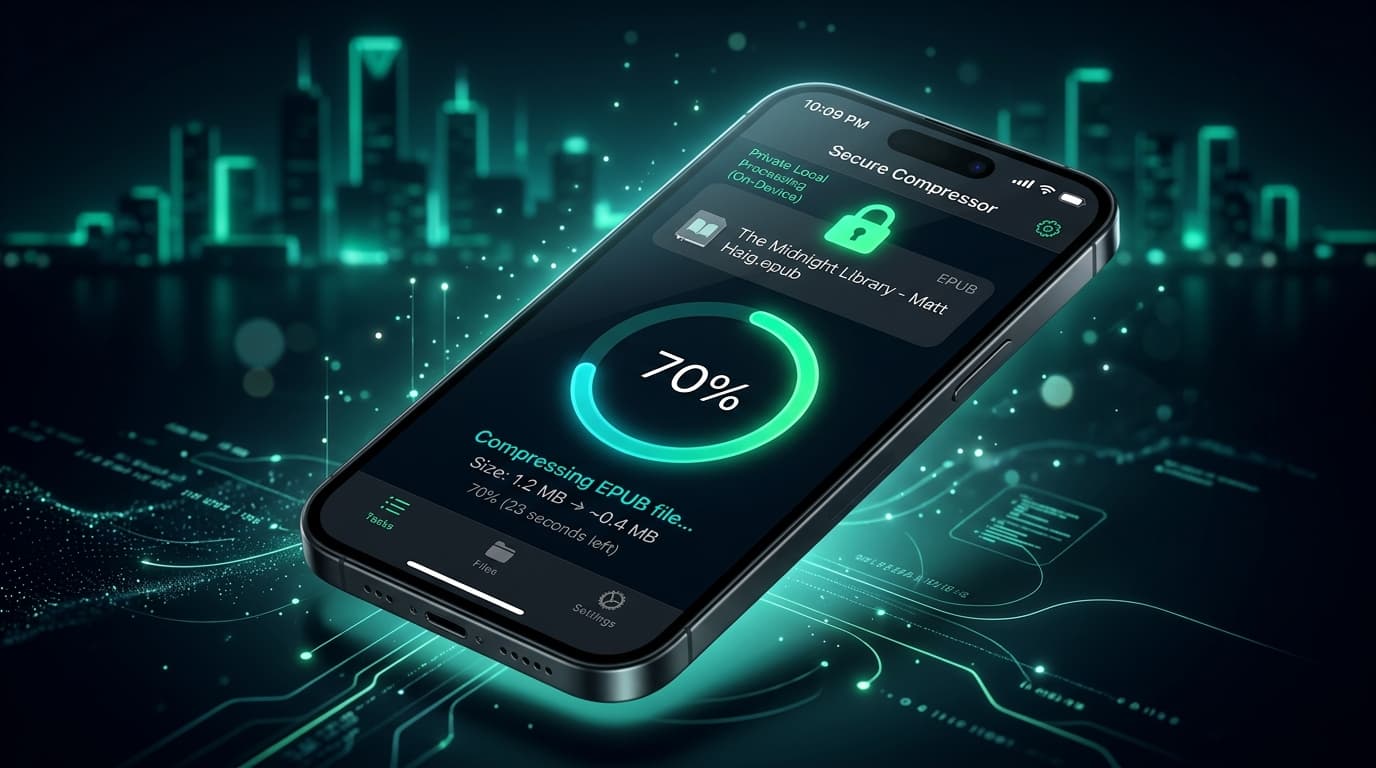
The fix is to shrink the file before importing it. LiteBookcompresses EPUBs by up to 70% directly on your iPhone or iPad. It optimizes embedded images, which account for most of an EPUB's size, without touching text or layout, and it works with every reader on this list.
Final Thoughts
For most people, Apple Books is the best EPUB reader on iPhone, and it is already installed. Pick an alternative if you need cross-platform sync or a Kindle workflow. Whatever you choose, keeping your EPUBs compressed makes every app faster and leaves more room for the next book.
Frequently Asked Questions
- What is the best free EPUB reader for iPhone?
- Apple Books is the best free EPUB reader for most people. It is preinstalled, handles EPUB natively, and syncs across iPhone, iPad, and Mac. Google Play Books is a strong alternative if you also use Android.
- Can the iPhone open EPUB files without an app?
- The Files app can preview some EPUBs, but it does not give you a proper reading experience. Share the file to Apple Books, which comes with iOS, to read it properly.
- Can I read EPUB files in the Kindle app on iPhone?
- Not directly. You cannot import an EPUB into the Kindle iOS app, but you can send it via the Send to Kindle app. Amazon converts it and it appears in your Kindle app library.
- Why is my EPUB slow to open on iPhone?
- Large, image-heavy EPUBs (comics, textbooks, cookbooks) take more memory and time to render. Compressing them with LiteBook reduces file size by up to 70%, which makes them faster to open and sync.
- Do EPUB reader apps work offline?
- Yes. Once an EPUB is imported, every app in this list reads it fully offline. Cloud apps like Google Play Books and Kindle need to download the book once first.
Make every EPUB open faster.
LiteBook compresses EPUBs by up to 70% on-device, so they load, sync, and share faster in any reader app.
Download LiteBook — Free