iPhone Storage Full? How to Free Up Space Taken by Books & EPUBs
Photos get the blame, but your ebook library might be hogging gigabytes too. Here is how to find out and fix it, without losing a single book.
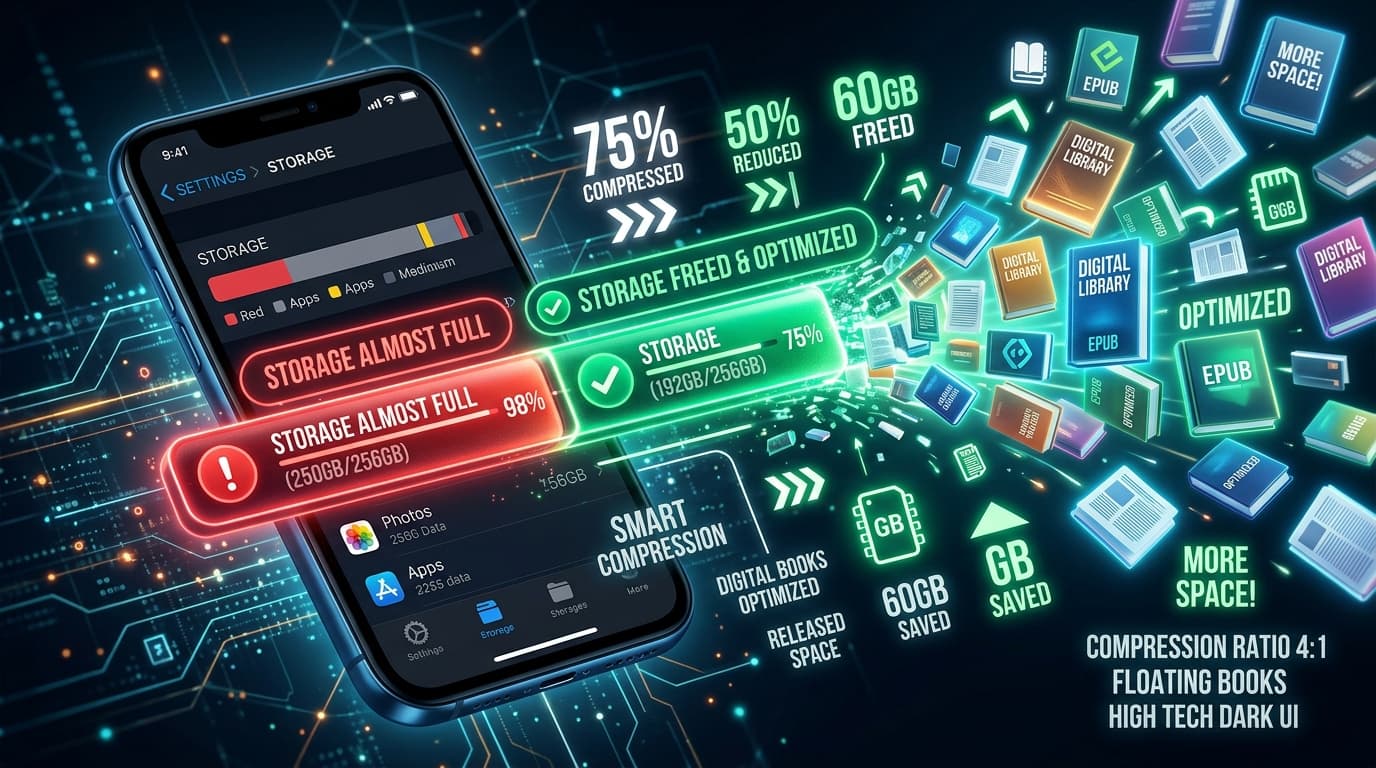
"iPhone Storage Full" always seems to appear at the worst moment. Most people go straight for their photos and apps, but if you read on your phone, your book library can be a surprisingly large chunk of the problem, and it is one of the easiest to fix.
Step 1: Check How Much Space Your Books Use
- 1Open Settings > General > iPhone Storage
Give it a few seconds to calculate.
- 2Find Books (and other reader apps)
Check Apple Books, Kindle, Google Play Books, and any EPUB reader you use.
- 3Tap each app
You will see the total size and, for Apple Books, a list of downloaded titles sorted by size.
If any reader app is over 1 GB, there is real space to win back.
Why Some Books Take So Much Space
| Book type | Typical EPUB size | After LiteBook (approx.) |
|---|---|---|
| Text-only novel | 0.5 – 2 MB | Minimal change |
| Non-fiction with charts | 5 – 20 MB | 2 – 8 MB |
| Cookbook / travel guide | 30 – 100 MB | 10 – 35 MB |
| Comic / manga volume | 80 – 300 MB | 25 – 100 MB |
| Illustrated textbook | 100 – 500 MB | 35 – 170 MB |
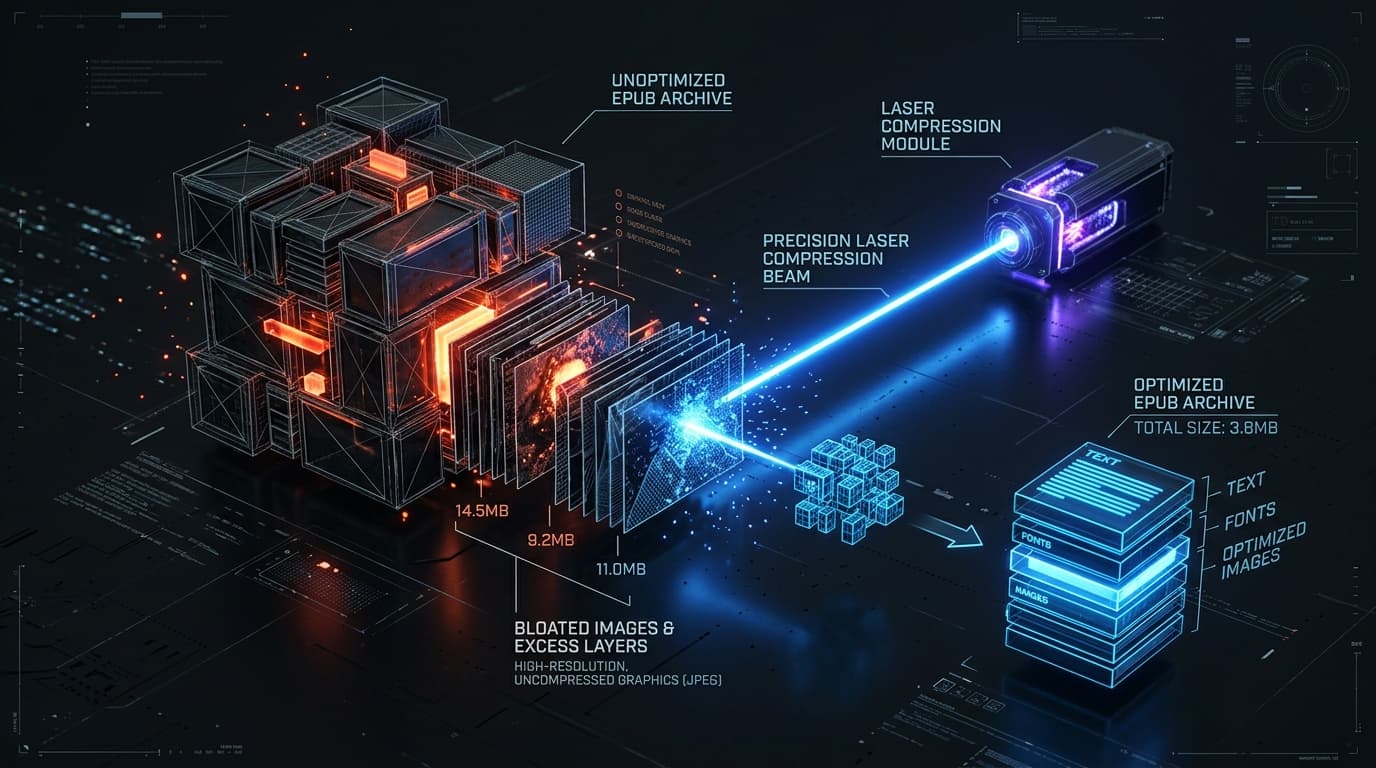
The culprit is almost always images. Publishers embed print-quality artwork that is far sharper than any phone or e-reader screen can display. Twenty manga volumes can easily take 3 GB.
6 Ways to Reclaim Space From Your Library
1. Compress image-heavy EPUBs (biggest win, nothing deleted)
LiteBook compresses EPUB files by up to 70% right on your iPhone. Import a whole folder, compress in one batch, and replace the originals. Use Lossless mode if you want zero change to image quality. Books are processed on-device and never uploaded.
2. Remove downloads you have finished
In Apple Books, swipe left on a book in iPhone Storage, or tap ••• on the book and choose Remove Download. It stays in your library and in iCloud, ready to re-download.
3. Clear out samples and duplicates
Free samples and accidental duplicate imports add up. In Apple Books, open Library, tap Collections > Samples, and delete what you will not buy.
4. Offload reader apps you rarely use
Settings > General > iPhone Storage > [App] > Offload App removes the app but keeps its data, so nothing is lost when you reinstall.
5. Check the Files app for forgotten EPUBs
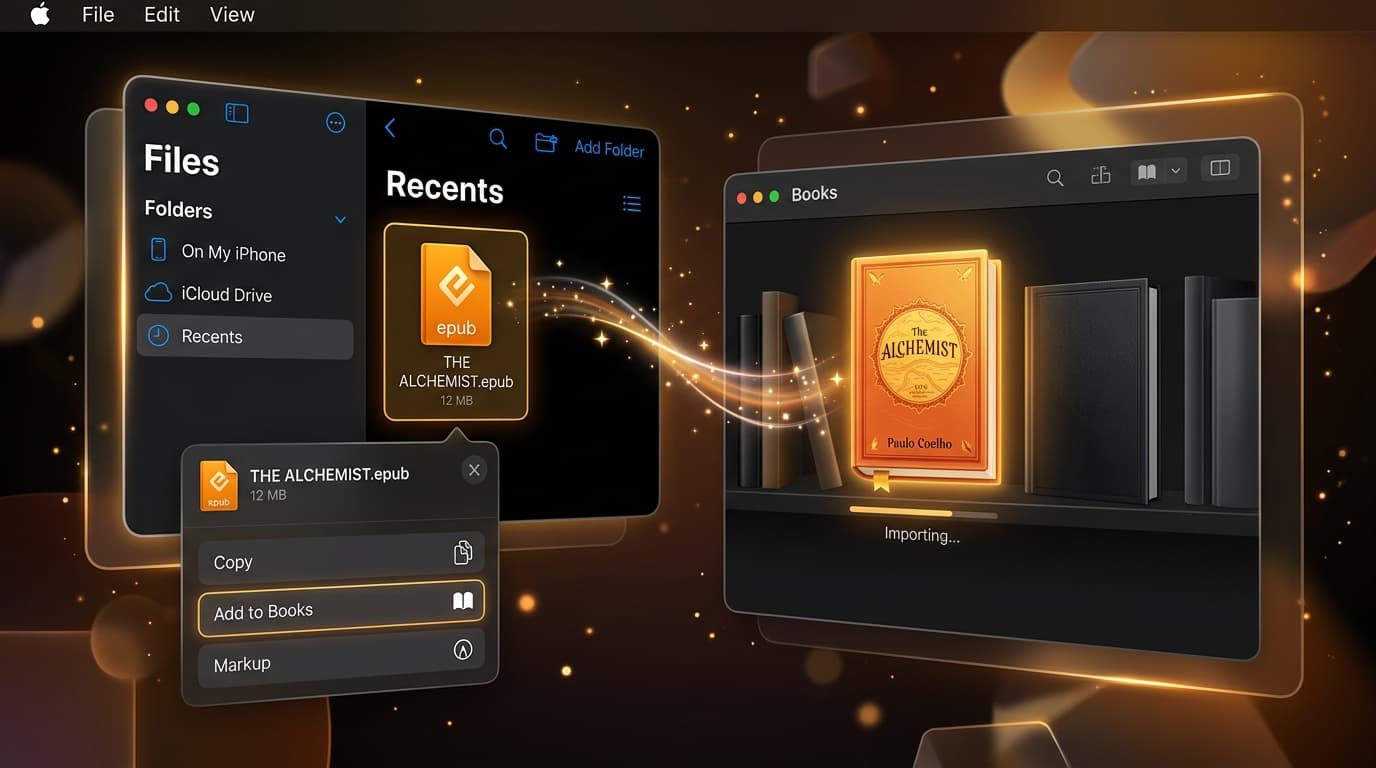
Once you share an EPUB to Books, the original often stays in Downloads or On My iPhone. Search Files for ".epub" and delete the leftover copies.
6. Watch your iCloud, too
If Books syncs via iCloud Drive, imported EPUBs and PDFs count toward your iCloud quota. Compressing them before (or after) import lowers both your iPhone and iCloud usage at the same time.
A Simple Routine to Keep Storage Under Control
- New EPUB downloaded? Open it in LiteBook first.
- Compress it, then share it to your reader app.
- Delete the original from Files.
- Once a month, remove downloads of finished books.
Conclusion
You do not have to choose between your books and free space. Find the heavy titles, compress them with LiteBook, and clean up leftovers in Files. Most readers with comics or illustrated books win back gigabytes in a few minutes.
Frequently Asked Questions
- How do I see how much storage Apple Books uses?
- Go to Settings > General > iPhone Storage and tap Books. You will see total space used and a list of downloaded titles you can remove from the device.
- Will removing a download delete the book?
- No. Removing a download from Apple Books deletes only the local copy. Store purchases and books synced to iCloud stay in your library and can be downloaded again.
- Why are some EPUBs so large?
- Images. Comics, manga, cookbooks, textbooks, and travel guides embed high-resolution images that are far larger than a phone screen needs. Text-only novels are usually under 2 MB.
- How can I free up space without deleting books?
- Compress them. LiteBook reduces EPUB file sizes by up to 70% on-device by optimizing embedded images, so you keep every book while using a fraction of the storage.
- Do books count toward iCloud storage?
- Store purchases do not. EPUBs and PDFs you import yourself do count, if iCloud Drive sync is enabled for Books in Settings.
Reclaim gigabytes. Keep every book.
LiteBook batch-compresses your EPUB library by up to 70%, privately on your iPhone.
Download LiteBook — Free